Small Business Invoice Management: Create, Send and Track Invoices
Use a consistent invoicing process to make payment terms clear, monitor due dates and follow up on unpaid invoices.
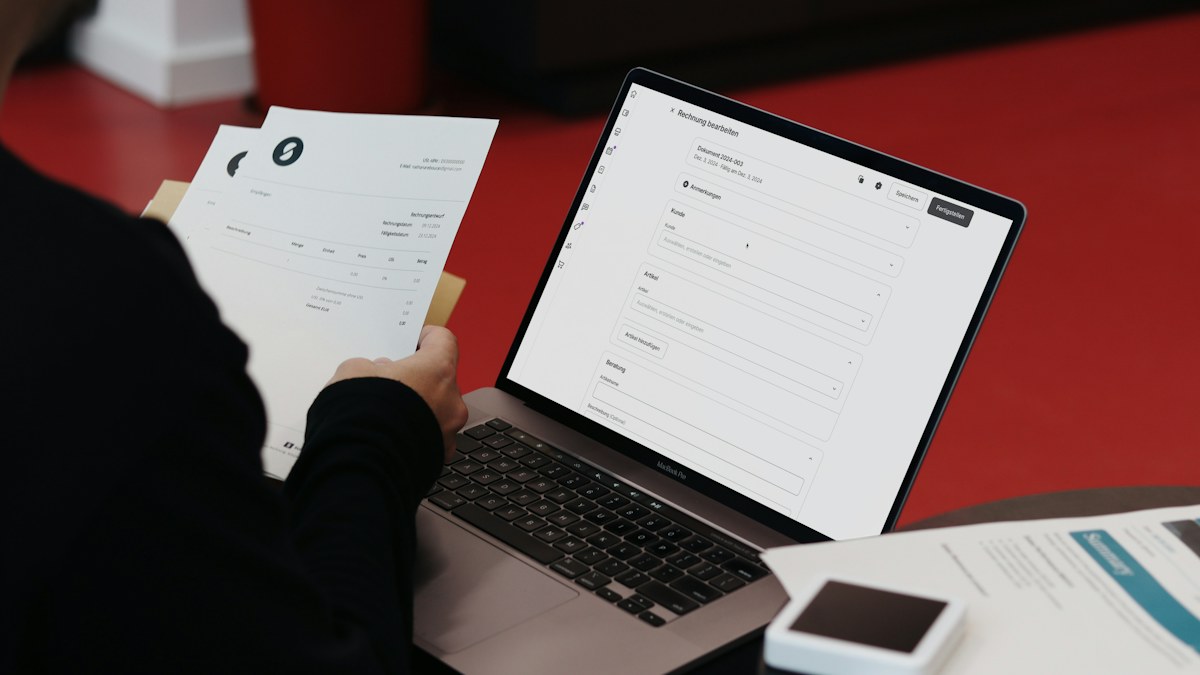
A clear invoicing process helps customers understand what they owe and helps your team know what needs follow-up. Whether you send a few invoices or manage them every day, consistent details and timely status updates make the payment trail easier to review.
Include the details customers need
Use a unique invoice number and include the issue date, your business details, the customer details, a description of the goods or services, quantities and agreed prices. Show any applicable charges and the total clearly. Invoice rules differ by location and business type, so confirm required fields with a qualified local adviser.
Make payment terms easy to find
State the due date, accepted payment methods and the contact point for questions. Agree on the terms with the customer before work begins where possible. If a deposit, milestone or partial payment applies, spell out the amount and when it is due rather than relying on an informal message.
Send invoices promptly and keep a record
Send the invoice to the correct contact after the agreed delivery or milestone. Keep a copy and record when it was sent. Check that the customer can open the document and knows how to ask about a discrepancy. A short, professional message with the invoice number and due date makes later follow-up more straightforward.
Track status and follow up consistently
Maintain a simple status for each invoice, such as draft, sent, partially paid, paid or overdue. Review upcoming and overdue due dates on a schedule. Send a courteous reminder with the invoice reference and outstanding amount, and record any agreed new date or payment plan. If a customer disputes an item, investigate the original order or service record before changing the invoice.
Match payments to the right invoice
When money arrives, verify the amount and reference against the payment record before marking an invoice paid. Record partial payments accurately and keep the remaining balance visible. At regular intervals, compare invoice statuses with your bank or payment-provider records so that an unpaid invoice is not mistaken for received cash.
Build a repeatable invoicing routine
- Check customer and item details before sending.
- Set clear due dates and payment terms.
- Review due and overdue invoices at a consistent time.
- Update invoice status only after checking the payment record.
SmartProbook invoicing and payment records can help your team keep customer balances and follow-ups organized. For tax treatment, statutory invoice requirements or debt-recovery questions, get advice from a qualified professional in your jurisdiction.



Comments
Share a helpful thought or question with the community.
No comments yet. Start the conversation.